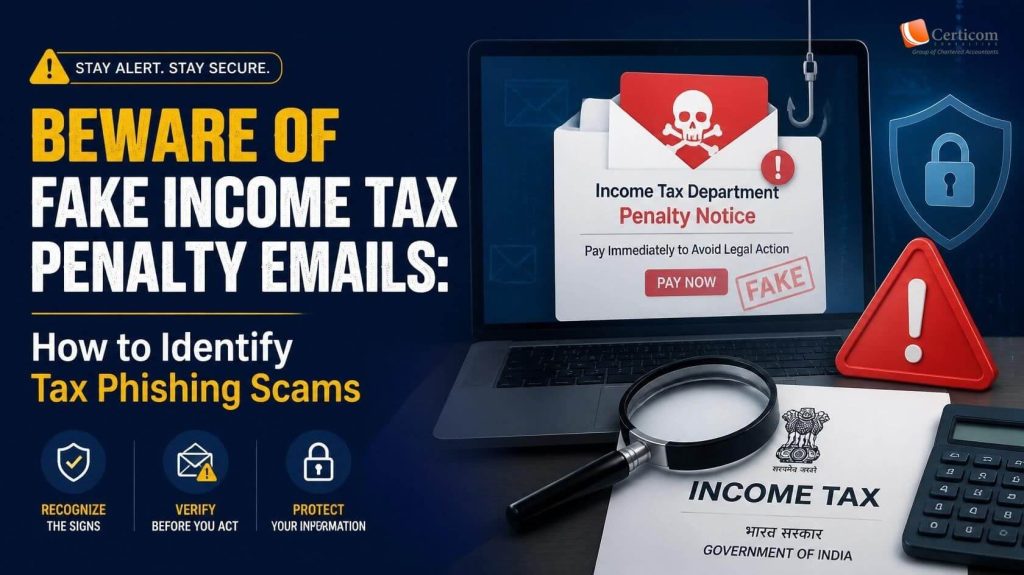


Beware of Fake Income Tax Penalty Emails: How to Identify Tax Phishing Scams

Fake Income Tax

Tax-related phishing scams are becoming increasingly sophisticated, with fraudsters impersonating government authorities to steal personal and financial information. A recent scam involves fake Income Tax penalty notices sent through unofficial email addresses, falsely claiming that taxpayers have violated provisions of the Income-tax Act, 1961.

These emails attempt to create fear by threatening penalties, prosecution, and strict deadlines, encouraging recipients to click suspicious links or download malicious files.

Understanding how these scams work can help you avoid becoming a victim.

What Does the Fake Email Claim?

The fraudulent message usually states that irregularities have been found during a tax inspection and that the recipient must submit certain documents within a short period, often 72 hours.

It may also mention sections of the Income-tax Act and threaten legal action if immediate compliance is not made. To appear legitimate, the email often includes government-style formatting and references to tax authorities.

However, these notices are completely fake.

Warning Signs That the Email Is Fraudulent

Before responding to any tax-related email, look for these common warning signs.

1. Unofficial Email Address

One of the easiest ways to identify the scam is by checking the sender’s email address.

Fraudulent emails are often sent from free email services such as:

  • @qq.com
  • @gmail.com
  • @yahoo.com
  • Other public email providers

Official Income Tax communications are issued only through authorized government domains, such as @incometax.gov.in or other verified @gov.in addresses.

2. Personal Email Used by the Supposed Officer

Some fake notices include the name of an Income Tax officer but provide a personal Gmail address for communication.

Government officials do not issue statutory notices using personal email accounts. Any such communication should be treated as suspicious.

3. Spam Warning from Your Email Provider

Many phishing emails are automatically detected by email providers and placed in the Spam or Junk folder.

If your email service warns that the message resembles known spam or phishing attempts, do not ignore the warning.

4. Requests to Download Files or Click Unknown Links

A common tactic used by cybercriminals is directing recipients to download documents from unfamiliar links.

These downloads may contain:

  • Malware
  • Spyware
  • Ransomware
  • Password-stealing software
  • Remote access tools

Opening these files can compromise your device and expose sensitive information.

5. Artificially Short Deadlines

Scammers often create urgency by demanding action within 24, 48, or 72 hours.

The goal is to pressure recipients into reacting quickly without verifying whether the communication is genuine.

6. Threats of Penalties or Criminal Prosecution

Fraudulent emails frequently mention legal provisions of the Income-tax Act to appear authentic.

Although official notices may reference relevant legal sections, genuine proceedings follow established legal procedures and are not initiated through suspicious emails demanding immediate action.

7. Missing Document Identification Number (DIN)

Fraudulent emails frequexa

Most official Income Tax communications include a Document Identification Number (DIN), which can be verified through official channels.

If an email lacks a valid DIN or contains unverifiable references, it should be treated with caution.


ntly mention legal provisions of the Income-tax Act to appear authentic.

Although official notices may reference relevant legal sections, genuine proceedings follow established legal procedures and are not initiated through suspicious emails demanding immediate action.

8. Lack of Taxpayer-Specific Information

Authentic tax notices generally include details such as:

  • PAN
  • Assessment Year
  • Financial Year
  • Jurisdiction details
  • Official notice reference number
  • Assessing Officer information
  • Digital authentication

Fake emails often contain only generic language without any taxpayer-specific information.

How Does the Income Tax Department Communicate?

The Income Tax Department generally communicates through official and secure channels, including:

  • The Income Tax e-Filing Portal
  • Registered email addresses linked to your tax account
  • Official SMS notifications
  • Physical notices, where applicable

Official communications do not ask taxpayers to download documents from suspicious links or respond to personal email addresses.

What Should You Do If You Receive a Suspicious Tax Email?

If you receive an email claiming to be from the Income Tax Department but it appears suspicious:

  • Do not click on any links.
  • Do not download attachments.
  • Do not reply to the sender.
  • Never share your PAN, Aadhaar, OTPs, passwords, bank account details, or card information.
  • Log in directly to the official Income Tax e-Filing portal to verify whether any notice has actually been issued.
  • If you are uncertain, consult your Chartered Accountant or tax advisor.
  • Mark the email as spam or phishing and delete it.
Fake Income Tax

Quick Checklist to Identify Fake Income Tax Emails

Be extra cautious if an email contains any of the following:

  • Sender uses a free email service instead of an official government domain.
  • Immediate threats of penalties, prosecution, or arrest.
  • Requests to click unfamiliar links or download attachments.
  • Poor grammar or inconsistent formatting.
  • Missing taxpayer details or official reference numbers.
  • No Document Identification Number (DIN).

Stay Alert Against Tax Phishing Scams

Cybercriminals rely on fear and urgency to trick taxpayers into revealing confidential information. While these fake notices may appear convincing, a careful review of the sender, content, and communication method usually reveals clear signs of fraud.

Always verify any tax-related communication through official government channels before taking action. Remaining cautious and informed is the best way to protect yourself from phishing scams and financial fraud.

Disclaimer: This article is intended for educational and awareness purposes only. If you receive a communication claiming to be from the Income Tax Department and are unsure of its authenticity, verify it through the official Income Tax e-Filing portal or consult a qualified tax professional before responding.

Related Post

image

Beware of Fake Income Tax Penalty Emails: How to Identify Tax Phishing Scams

Beware of Fake Income Tax Penalty Emails: How to Identify Tax Phishing Scams Tax-related phishing scams are becoming increasingly sophisticated, with fraudsters impersonating government authorities to steal personal and financial…
image

Understanding ITR Forms for AY 2026–27: A Beginner’s Guide for Students and New Taxpayers

Understanding ITR Forms for AY 2026–27: A Beginner's Guide for Students and New Taxpayers Filing an Income Tax Return (ITR) may seem complicated when you're doing it for the first…
image

CBDT to Display Foreign Assets & Overseas Income in AIS and Form 26AS

CBDT to Display Foreign Assets & Overseas Income in AIS and Form 26AS On 8 July 2026, the Central Board of Direct Taxes (CBDT) issued a landmark directive (Order F.No.…

Book A One To One Consultation Now
For FREE

How can we help? *